Free bulk
image tools.
All in one place.
Resize, compress, convert, and rename a whole batch of images with one set of settings. Free, no account, and designed to keep your files on your device.
Drop images here
or pick them from your device
JPG, PNG, WebP, GIF, AVIF · No sign-up · Files stay on your device
Or start with one tool
Before
6 images · mixed sizes
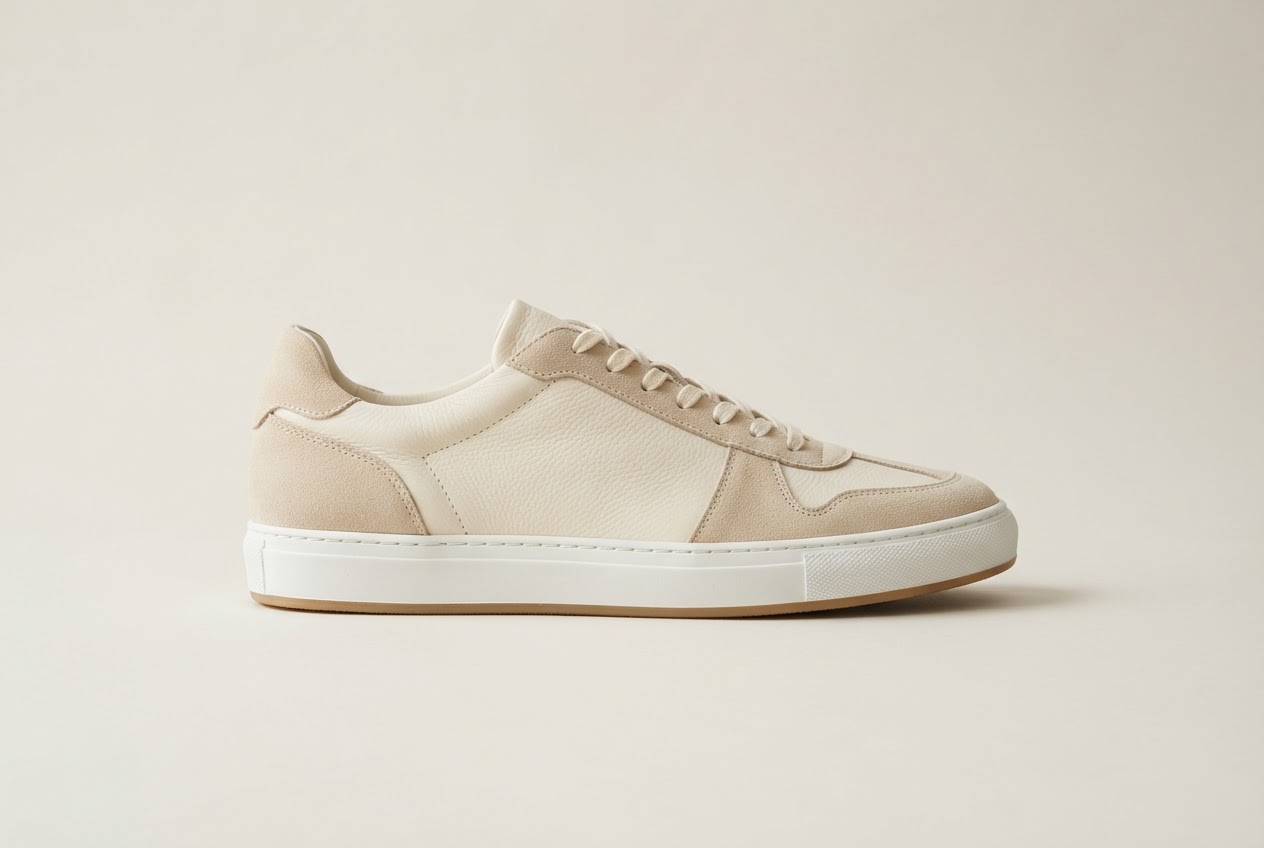
3600 × 2400
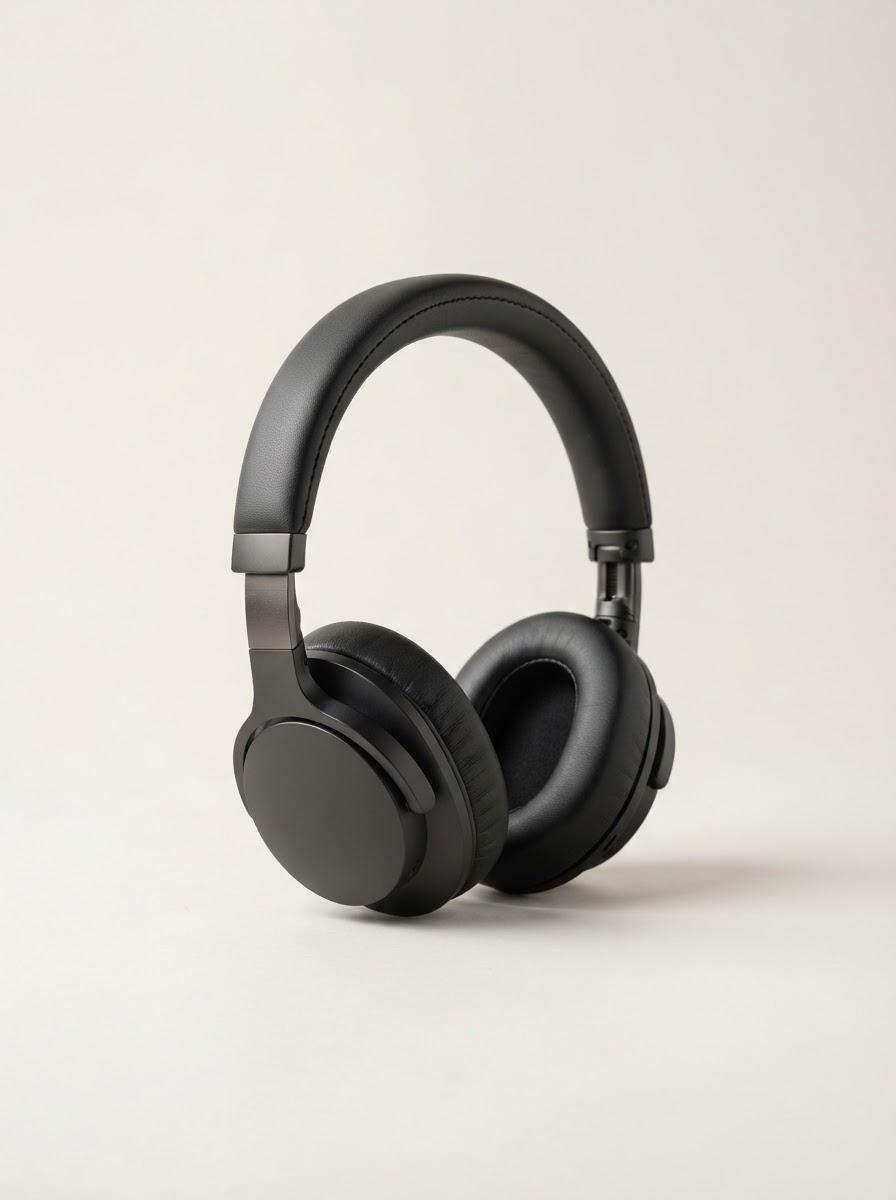
2400 × 3200
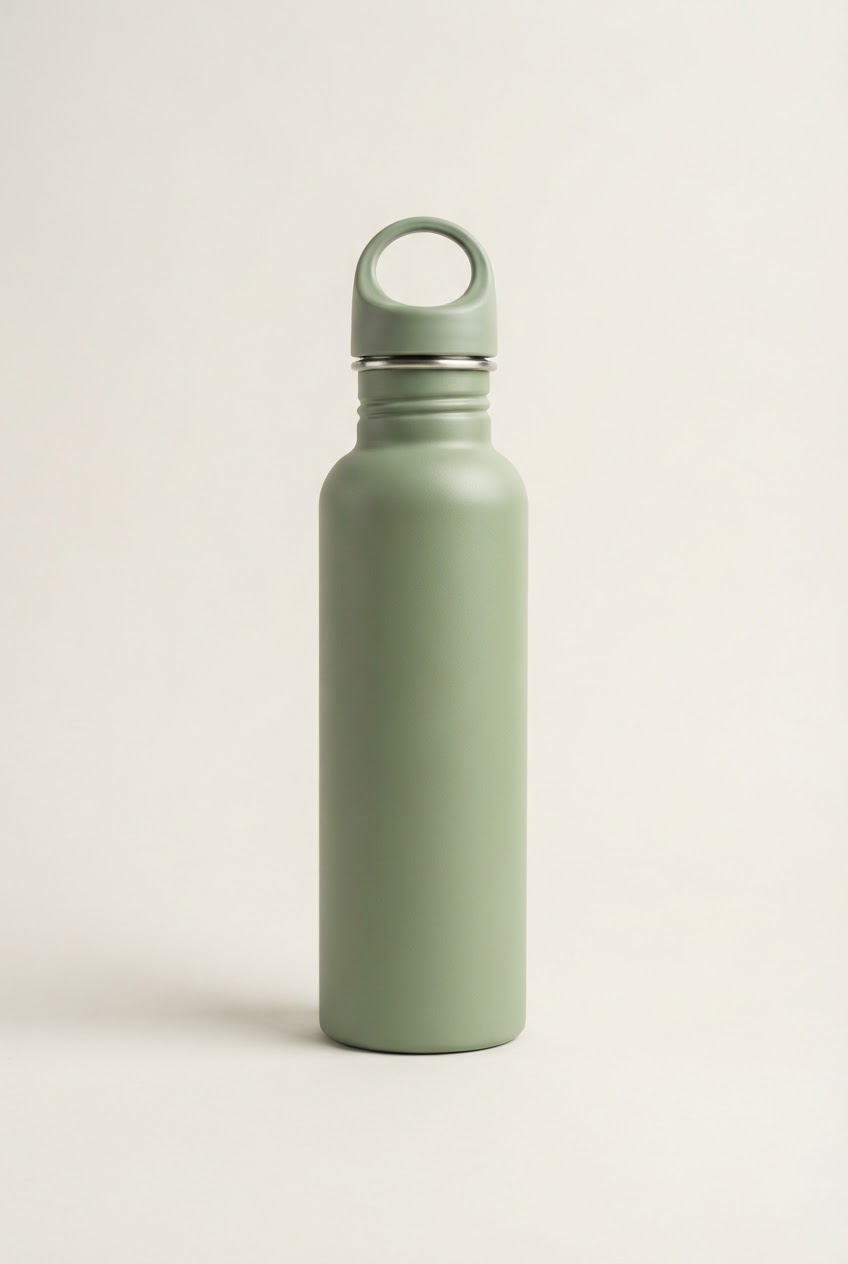
2000 × 3000
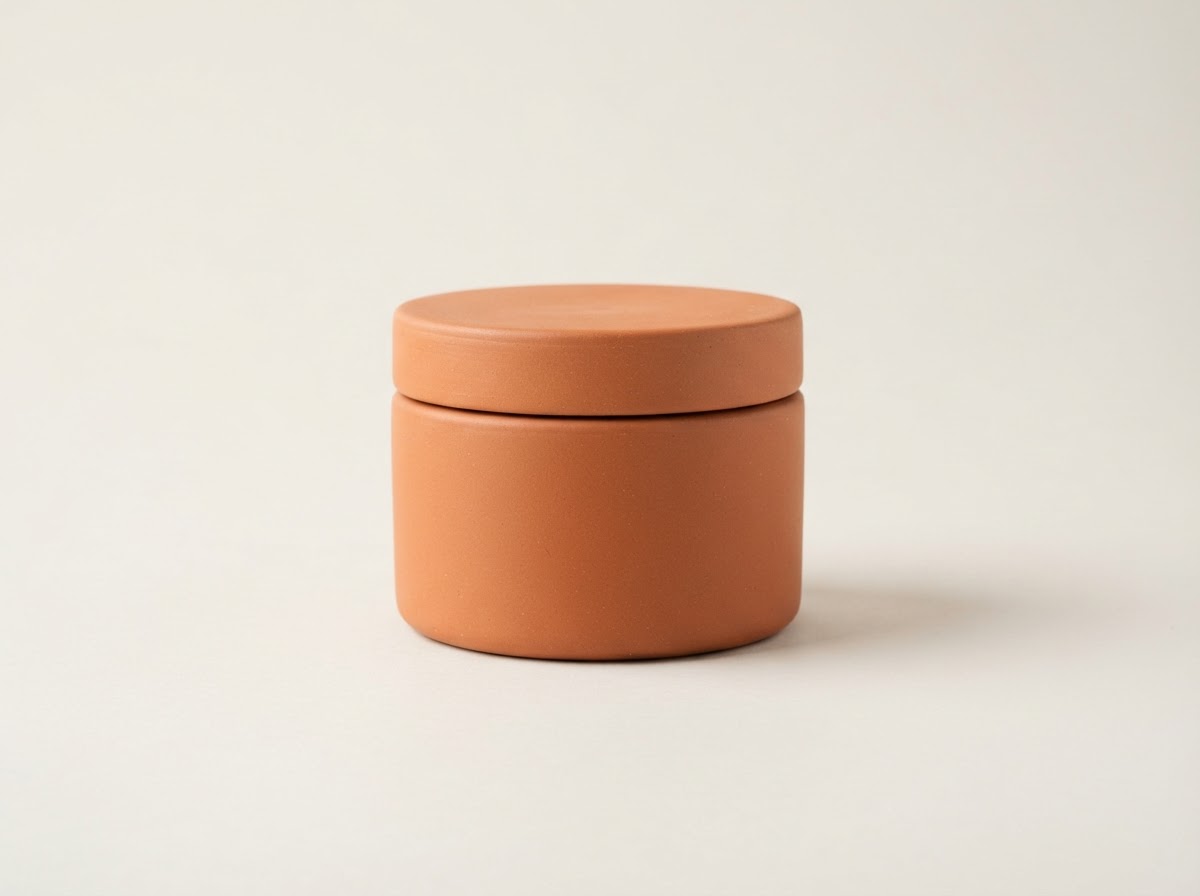
3200 × 2400
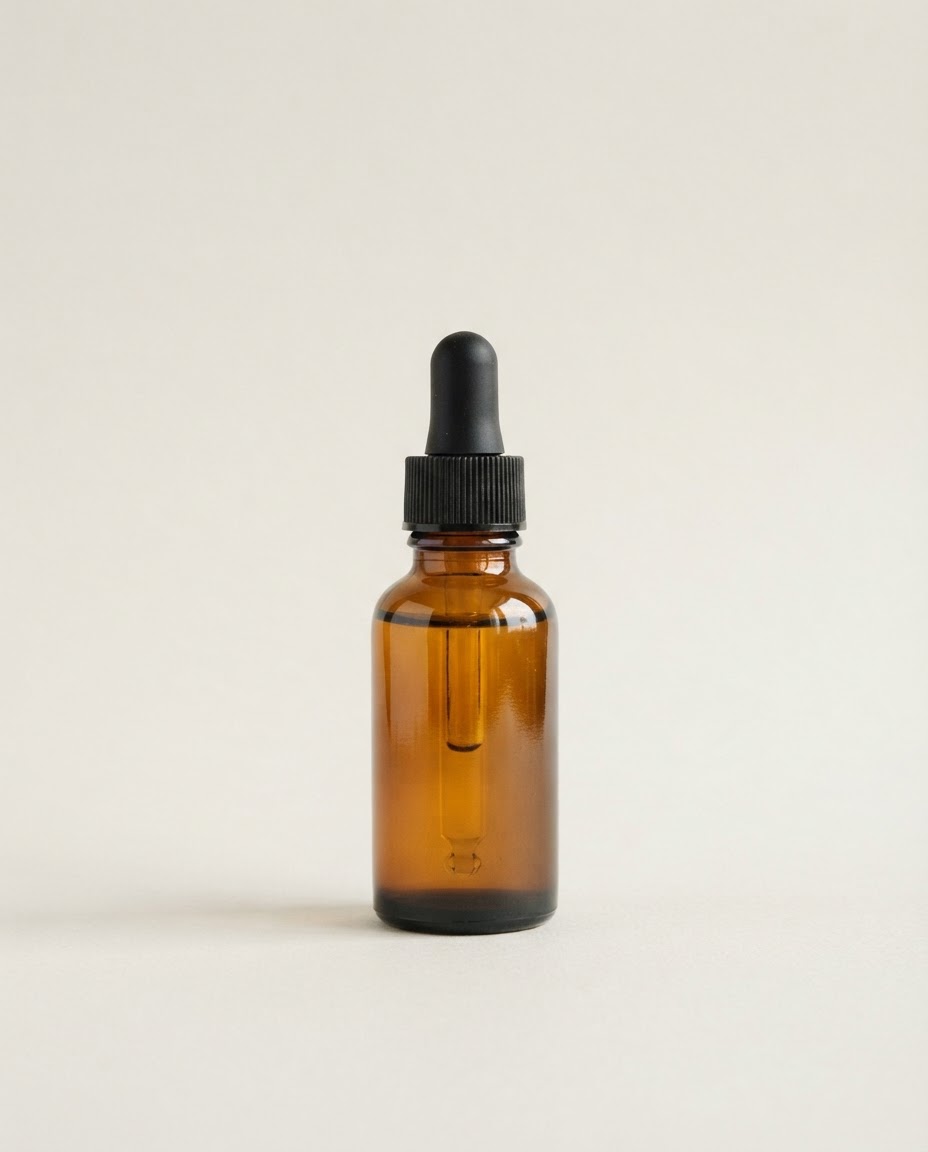
2400 × 3000
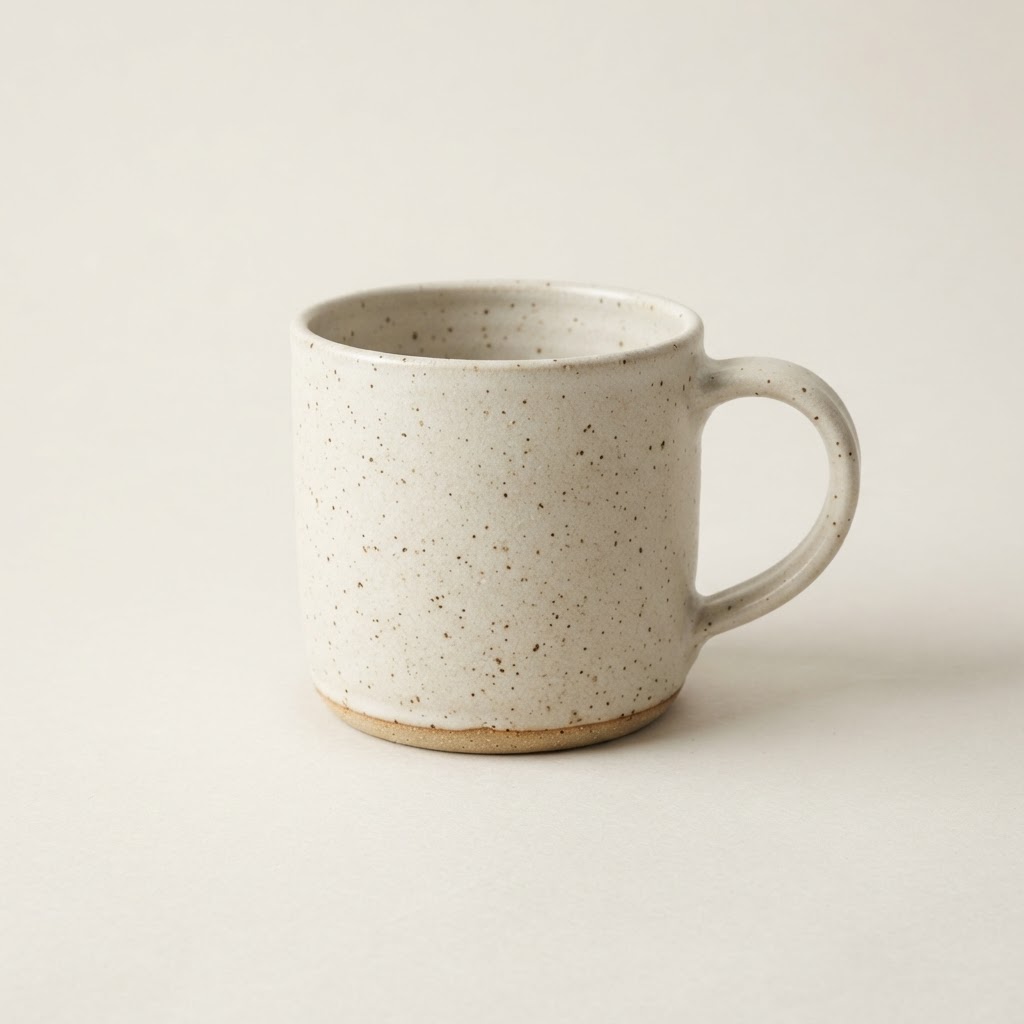
3024 × 3024
After
Ready1600 × 1600 · WebP
product-001.webp
product-002.webp
product-003.webp
product-004.webp
product-005.webp
product-006.webp
Three steps, up to 100 images
Batch is built for the moment you have forty photos and one set of requirements.
- 1
Add a batch
Drop in a folder’s worth of photos, or choose them from your device. Each one is measured as it arrives.
- 2
Set it up once
Pick a size, quality, format, and naming pattern. Every image in the batch follows the same plan.
- 3
Review, then run
Check planned names and sizes for every file, fix anything flagged, and run the whole batch together.
Designed to keep your images on your device
Batch is built around local processing: your browser reads and prepares each file, and nothing needs to be uploaded. Processing and ZIP creation happen locally in your browser.
How local processing works- No uploads
- Images are read by your browser. They aren’t sent to a server, so private photos stay private.
- Your device does the work
- Speed depends on your device. Batch accepts up to 100 images and 300 MB of source files per batch.
- Clear about limits
- Formats your browser can’t read, like HEIC, are flagged before you start rather than failing halfway.