Size
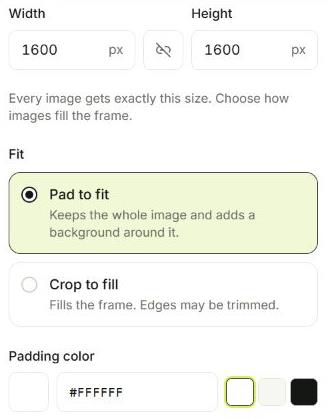
Use Fit within when images have different shapes and you just need them no larger than a limit, such as 1920 pixels wide for a website. Each image keeps its own proportions.
Use an exact size when every file must match, such as square marketplace listings. Crop to fill trims the edges; Pad to fit keeps the whole image and adds a background color around it.
Quality
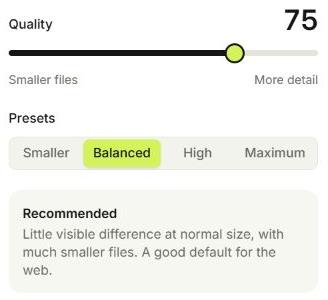
Quality affects JPG and WebP output. 75–82 suits most web photos; 85–90 is better for large images where texture matters. Below 40, blocky artifacts become noticeable.
- Smaller: 60
- Balanced: 75
- High: 85
- Maximum: 95
Format
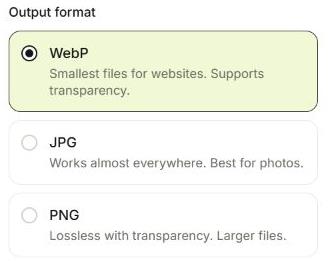
WebP often makes small files and supports transparency. JPG is a compatible choice for photos. PNG is lossless and keeps transparency, but photos can become large.
When converting images with transparent areas to JPG, choose the color that should fill those areas.
Naming
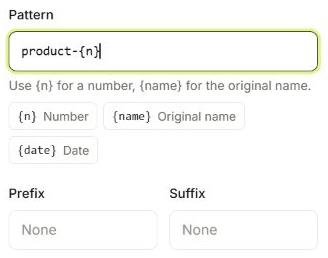
Patterns combine your own text with placeholders: {n} for a sequence number, {name} for the original name, and {date} for the local calendar date captured when a run starts. Prefix and suffix are added around the pattern.
With more than one image, include {n} or {name} so names stay unique. The preview in the Rename tab lists the first planned names so you can check them.
Try it with the sample batch
Eight product photos, ready to explore every setting.